UX Strategy • Notion ecosystem
Notion AI Flow Builder
Reimagining diagramming as an intelligent, native extension of the writing process, eliminating the "blank canvas" friction of traditional tools.
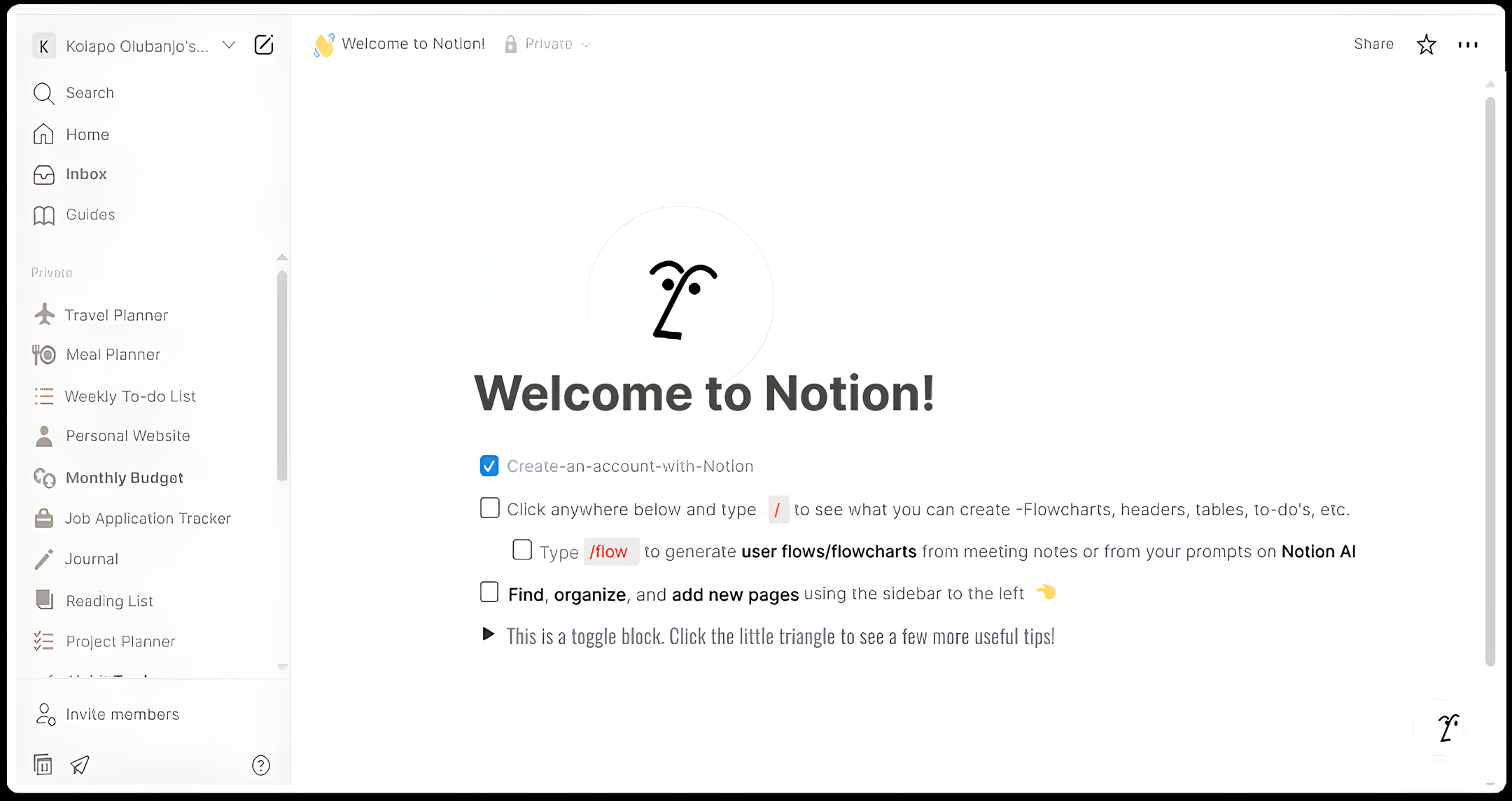
Reimagining diagramming as an intelligent, native extension of the writing process, eliminating the "blank canvas" friction of traditional tools.
Notion is where people think. However, when users need to visualize processes, they context-switch to external tools. This project explores verticalizing visual logic directly within the block ecosystem.
Creating flowcharts is essential, but frustrating. Swapping to Miro, manually drawing connectors, and losing editability upon embed pulls users out of their creative zone.
Reducing the core loop from minutes of manual dragging to seconds of natural language prompting.
Keeping 100% of the workflow within the workspace to maintain user focus.
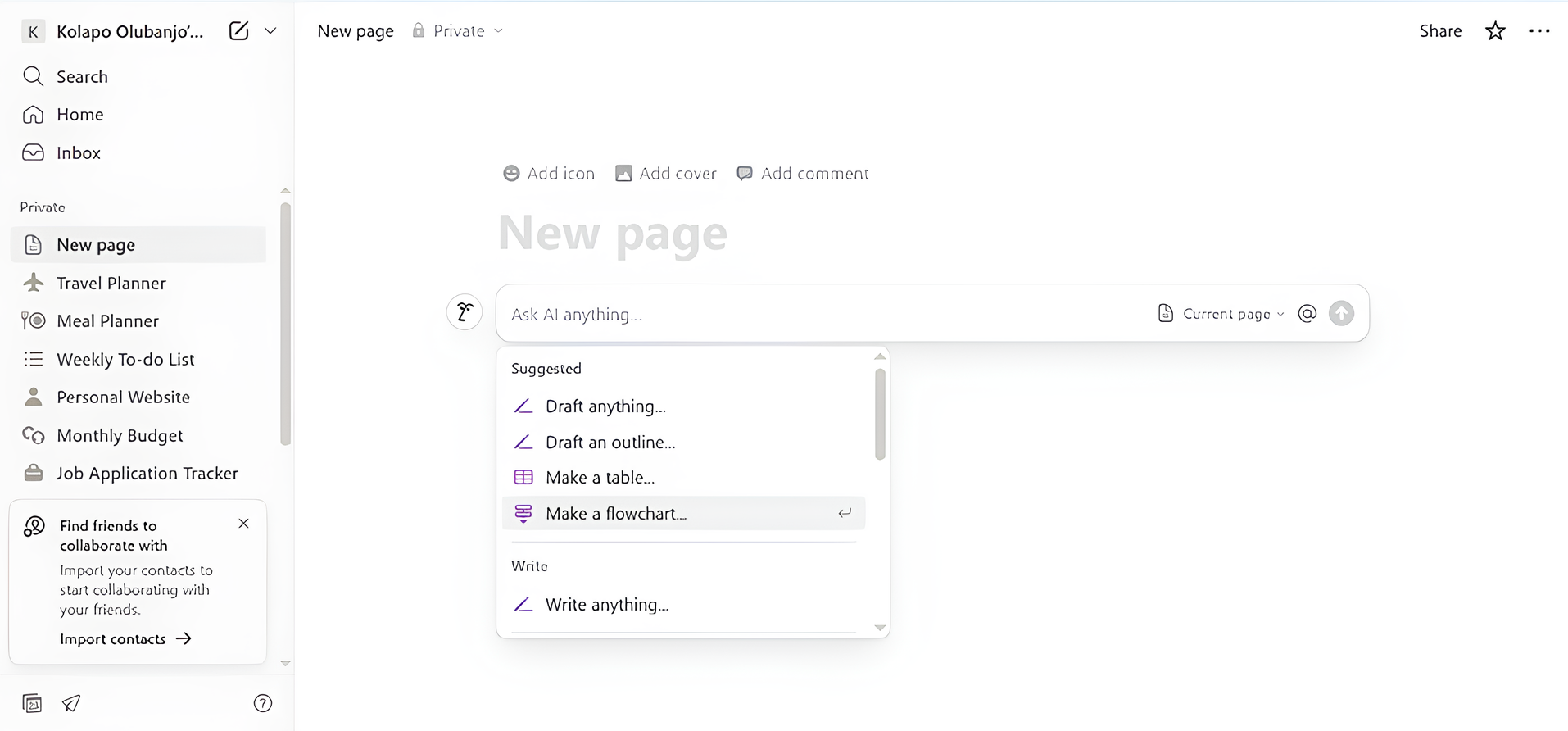
Imagine typing: /flowchart Create an onboarding flow. Within seconds, Notion AI processes the intent and builds a visual, block-based diagram.
Modeling in a separate pop-up would be easier to build, but preserves the context-switch barrier.
Technically demanding, but allows diagrams to coexist with text as part of a single, fluid document.
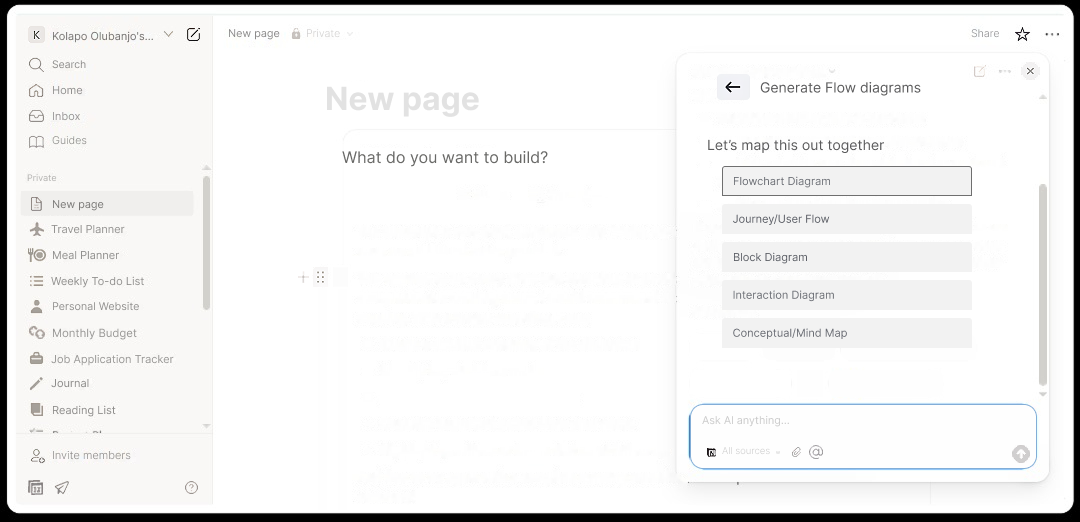
Type /flowchart followed by a description. The AI interface suggests structures instantly.
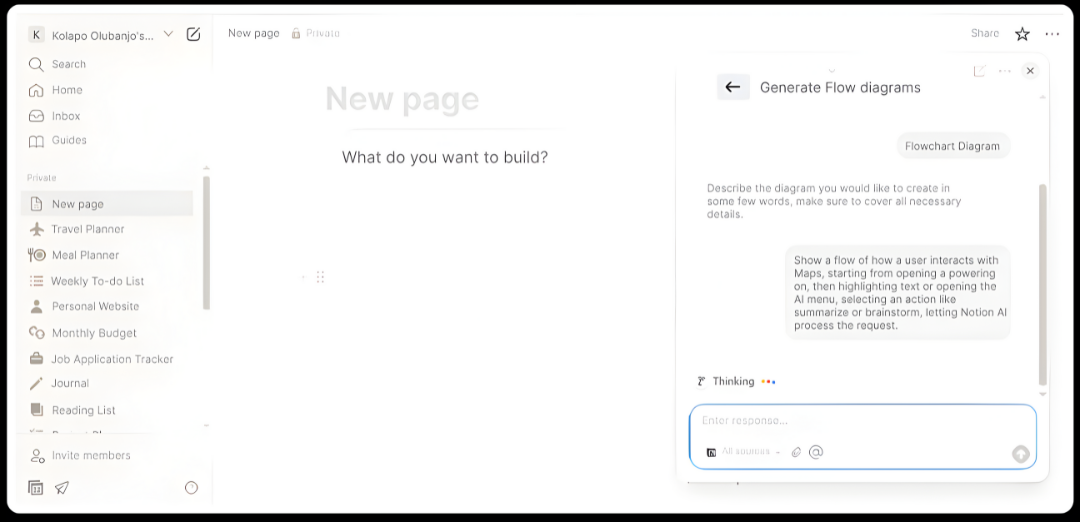
Watch the flowchart materialize with nodes and labeled connectors based on project logic.
The diagram remains fully editable like any other Notion block—drag, drop, and edit text.
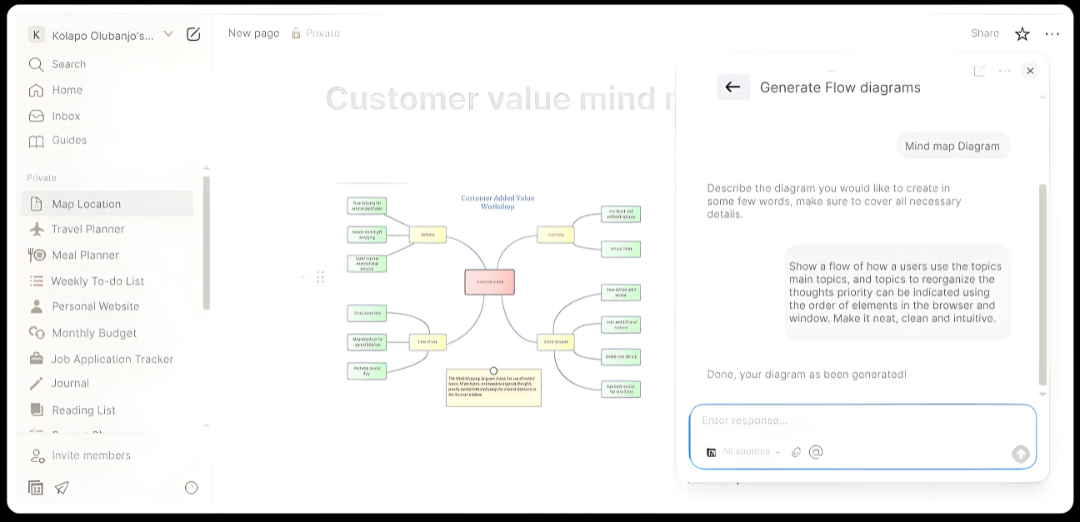
The design respects Notion's minimal language: soft rounded corners, neutral tones, and intelligent motion during generation.
"A concept isn't complete until it transforms static ideas into living, interactive experiences."
Project Reflection — motion-driven UXExperience the interaction through the complete prototype on Behance.