Accessibility
Strategy •
Smart Glasses
Rethinking Navigation Through Accessibility-First AI Glasses
An accessibility-first exploration inspired by Google’s evolving smart glasses ecosystem
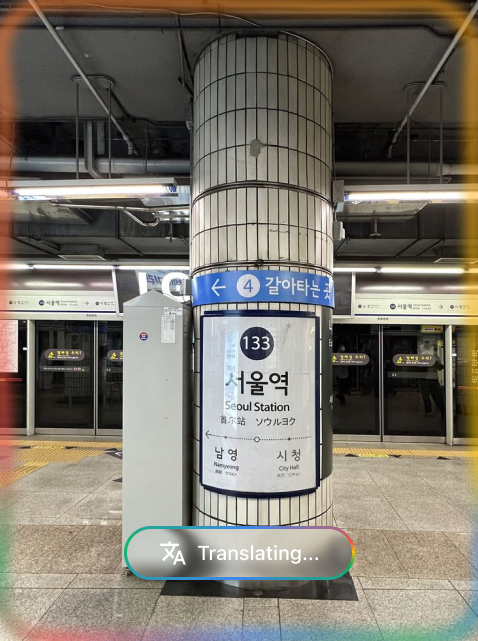
An accessibility-first exploration inspired by Google’s evolving smart glasses ecosystem
It started with curiosity around Google Glass (p.s I would prefer Google Lens) and the burgeoning potential of Gemini. What does ambient computing look like when AI isn't just a screen, but a layer over reality?
Early concepts were broad: music controllers in the air, floating navigation arrows, and contextual AI that could identify objects. It was a playground of possibilities, exploring how we might live without looking down at our phones.
Then I started actually reading. Globally, 285 million people live with visual impairment, and nearly 80% of them come from middle to low socioeconomic backgrounds. The expensive AR headsets being marketed would never reach the people who actually need them most. That number kind of reframed everything for me.
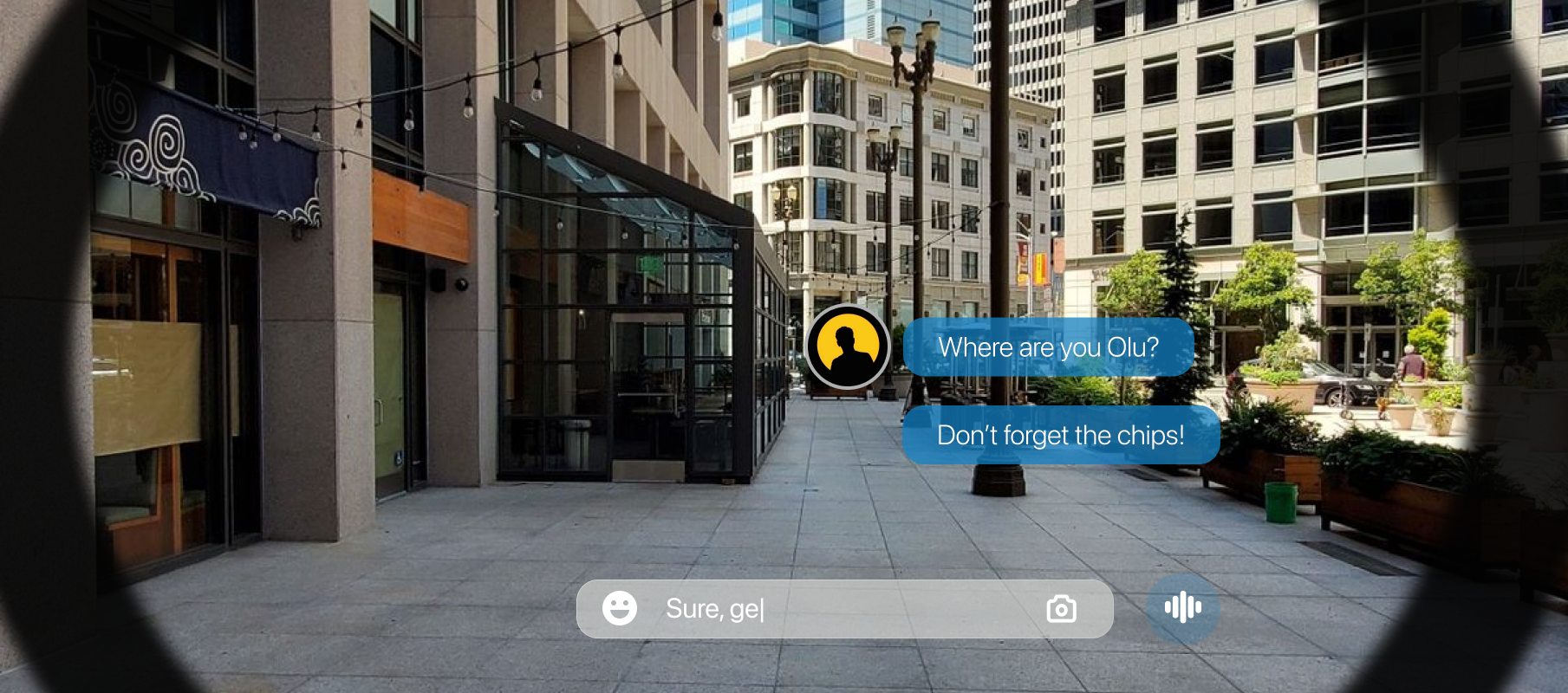
During the research phase, I hit a wall. Many of the "innovative" ideas I was sketching were already being built or patented. The general-purpose AR glass market was becoming crowded with giants.
Instead of quitting, I reframed the problem. This wasn't a defeat; it was validation. The technology was real, but the applications were still generic. I pivoted from "glasses for everyone" to "glasses for someone who truly needs them."
General-purpose smart glasses felt too broad. By narrowing the niche to visually impaired users, the design requirements became much more rigorous and meaningful.
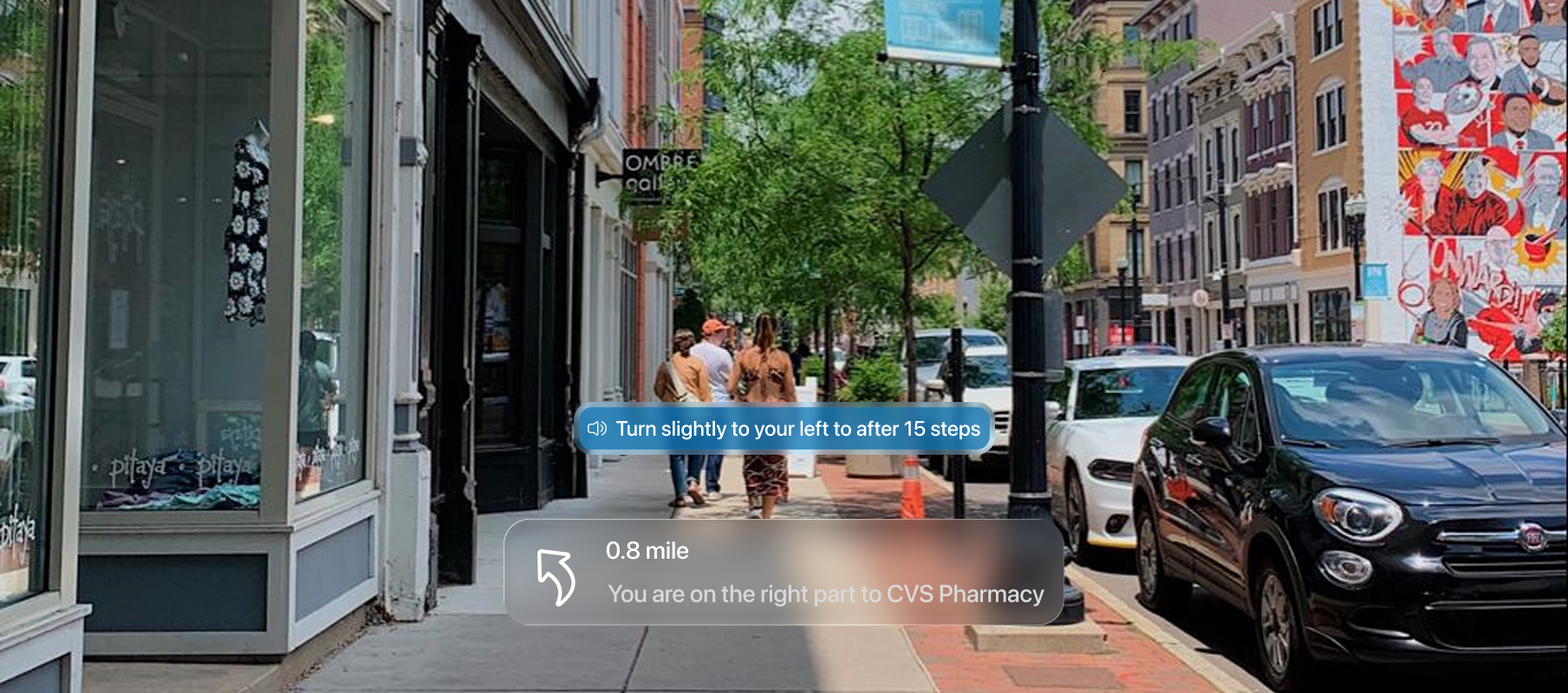
Current solutions like Google Maps are great for audio, but they lack environmental awareness. They tell you to turn left, but they don't tell you there's a construction site or an open drain in your path.
Voice-first navigation, GPS tracking, destination routing.
Environment-aware safety, hands-free contextual adaptation, spatial hazard guidance.
Designing a system that prioritizes safety over aesthetics, using voice based modes and state-based UI to reduce cognitive load.
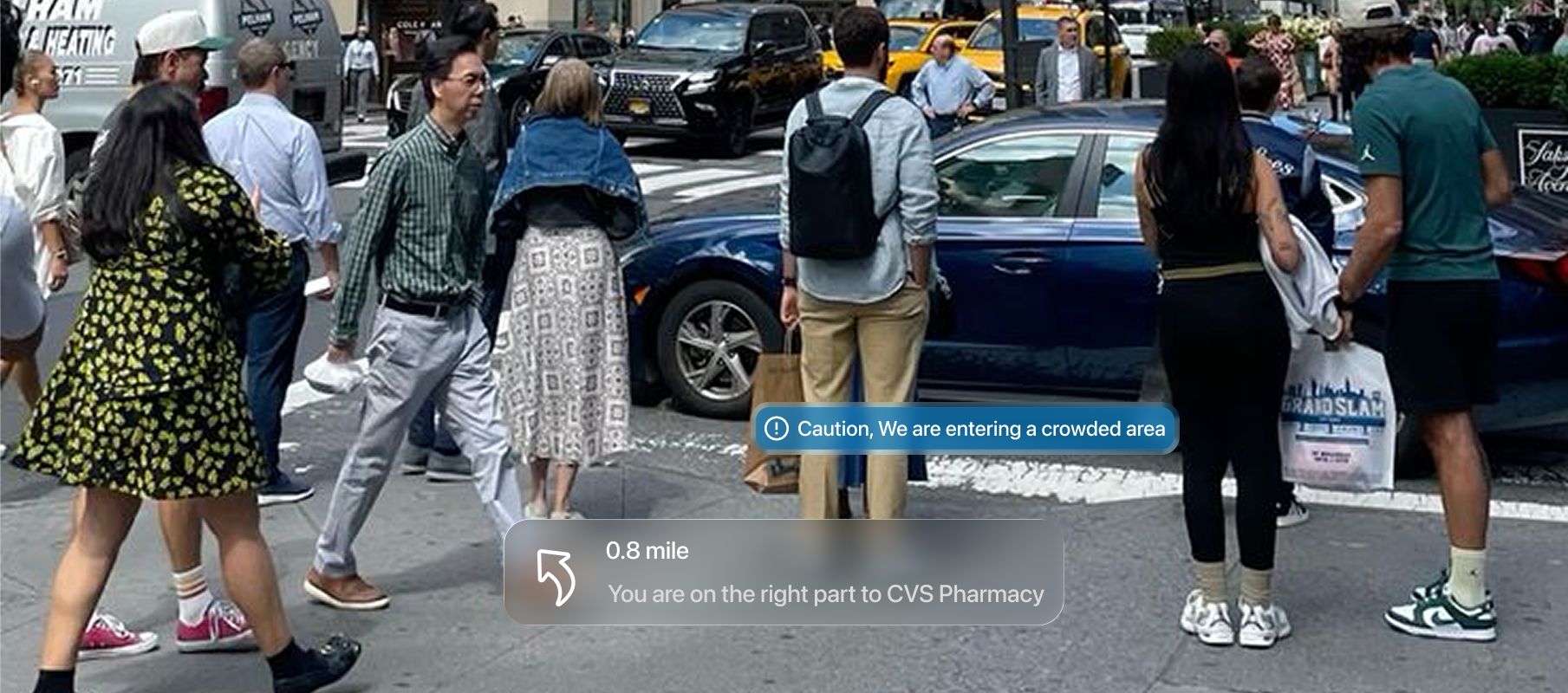
Caution Alert: Enabled voice system for Real-time detection of construction zones, crowded areas, and sidewalk obstacles..
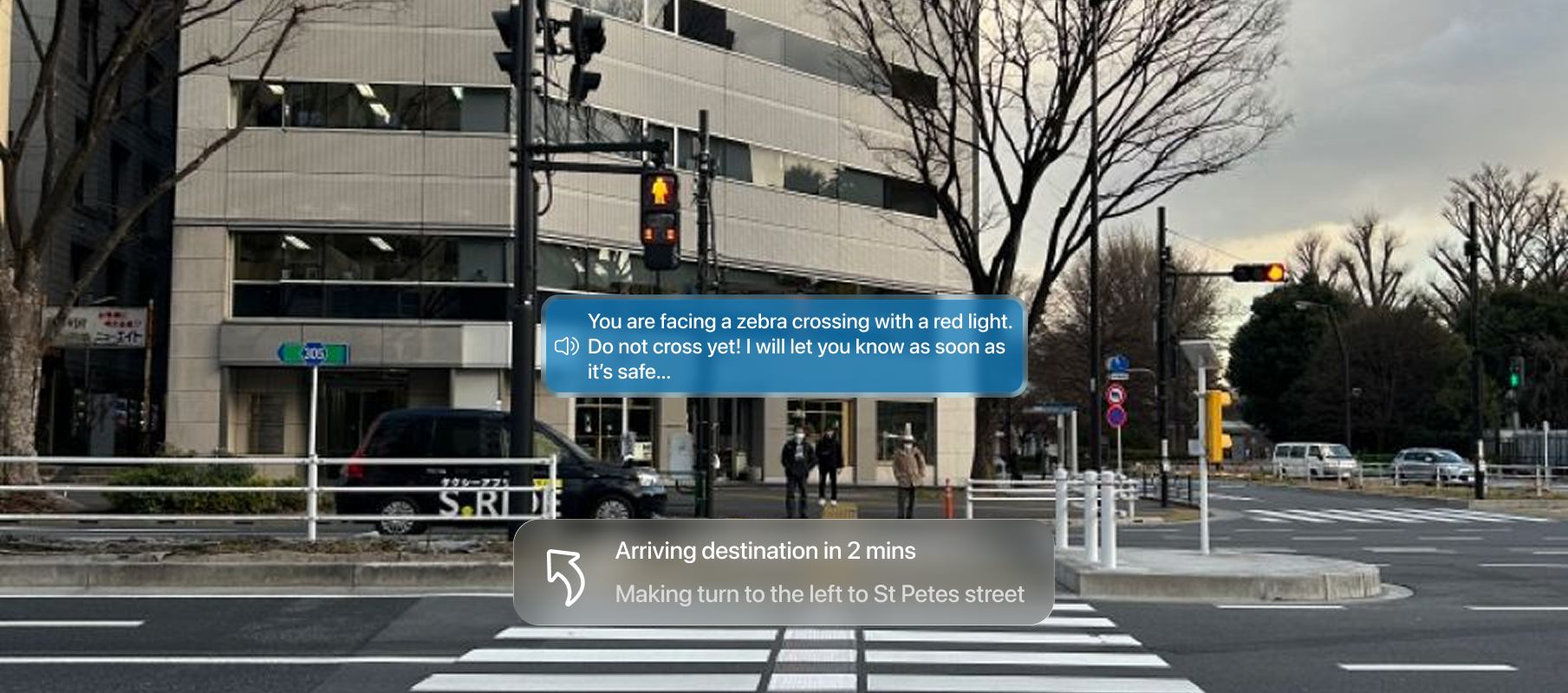
Red Light Alert: Critical safety interruption state.
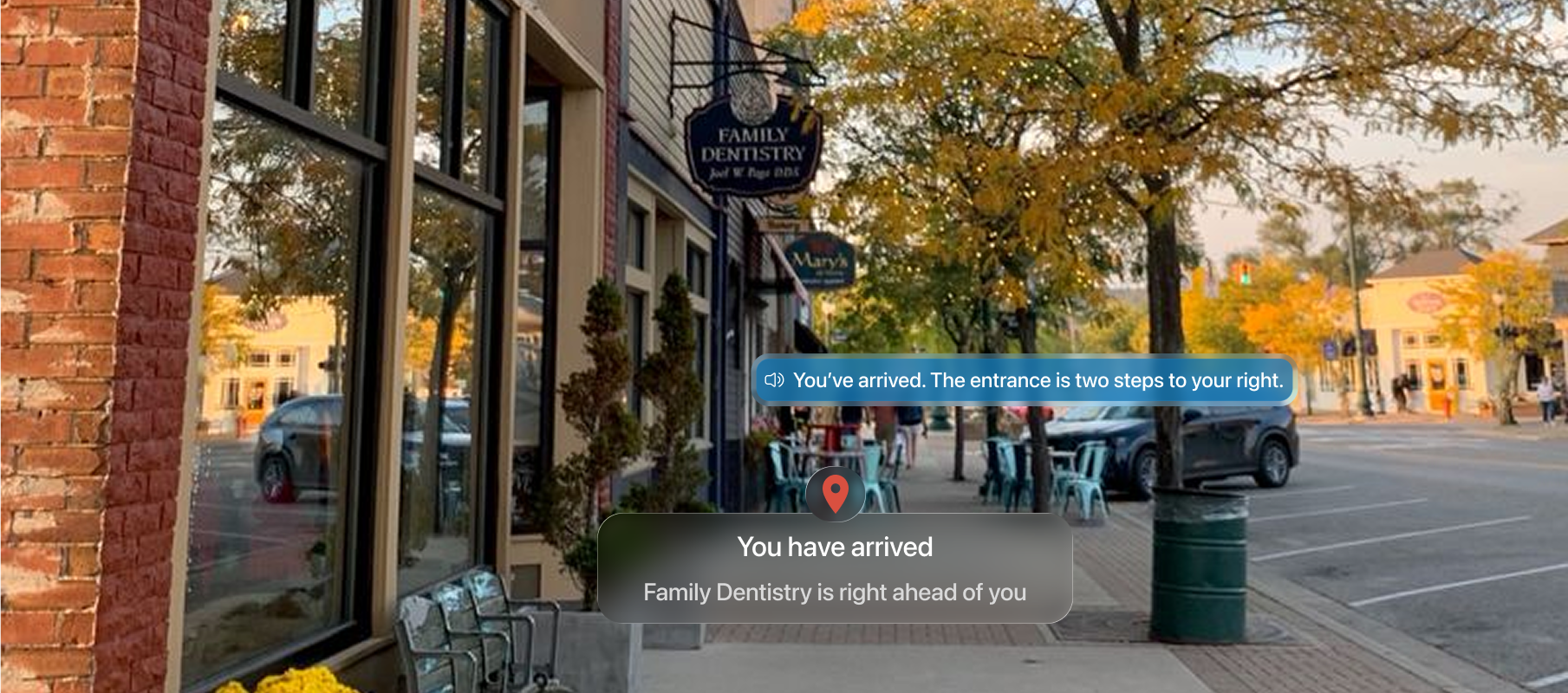
Arrival Confirmation: Haptic and visual destination lock.
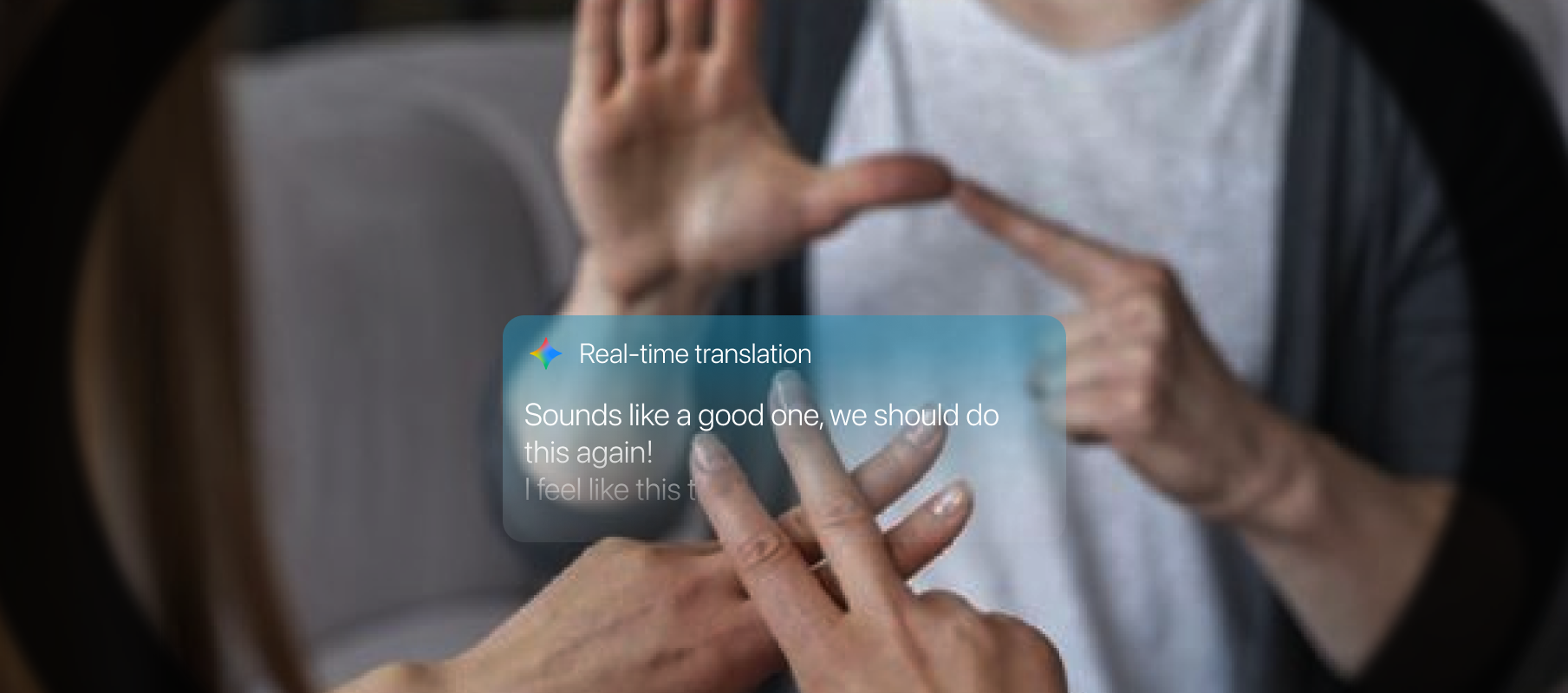
Glasses capture hand gestures and translate them into text or audio, enabling seamless communication for deaf or hearing-impaired users.
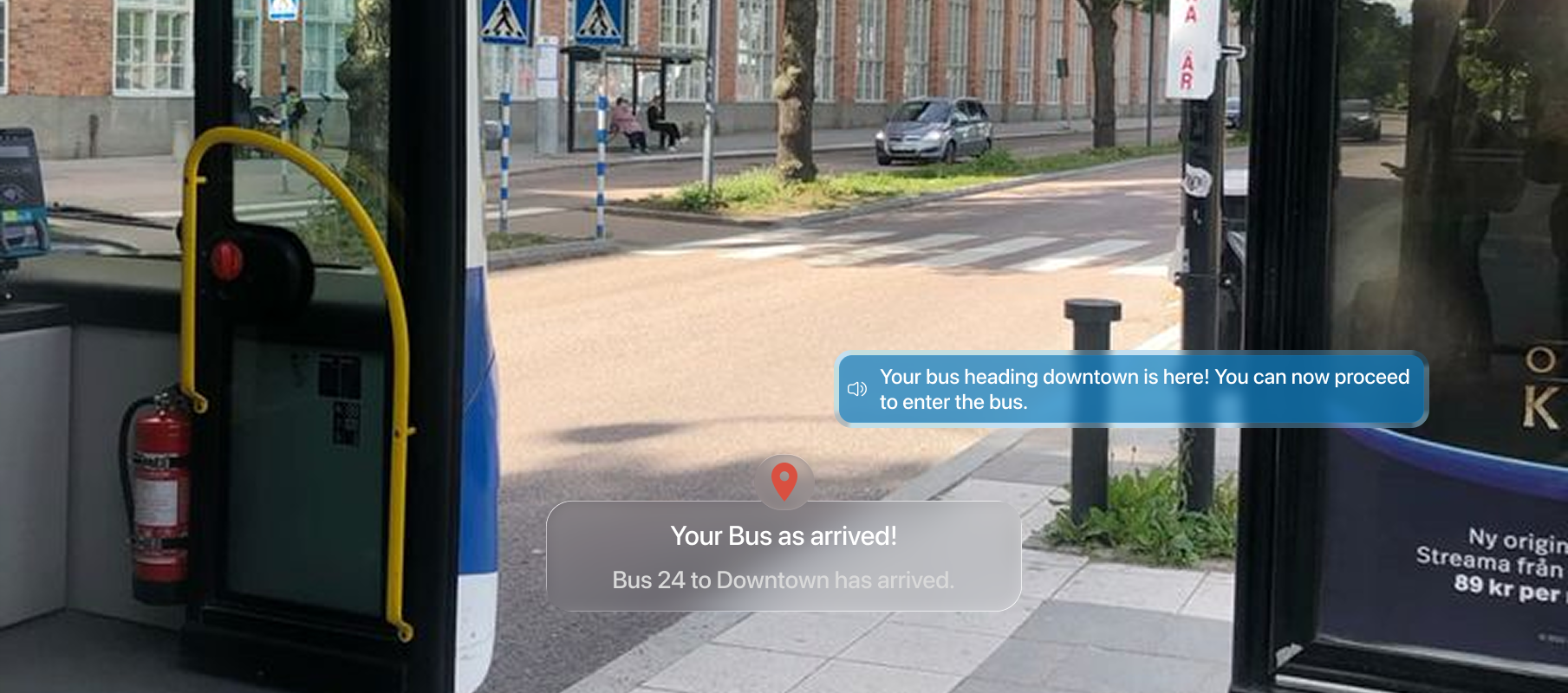
Bus number detection and sign reading to ensure the correct transit route.
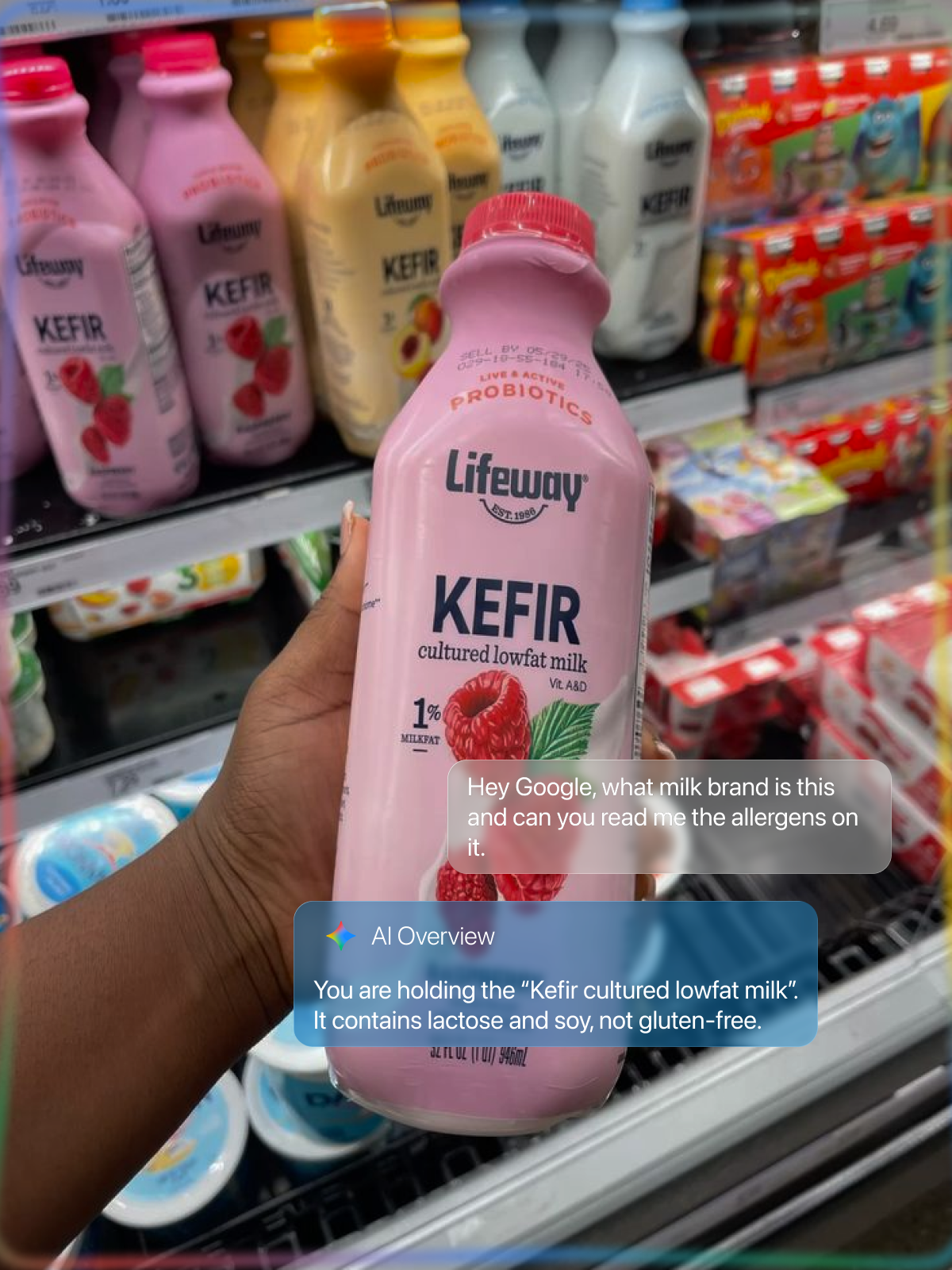
”Hey Gemini, read the allergens on this milk carton.” Intelligent OCR for daily tasks.
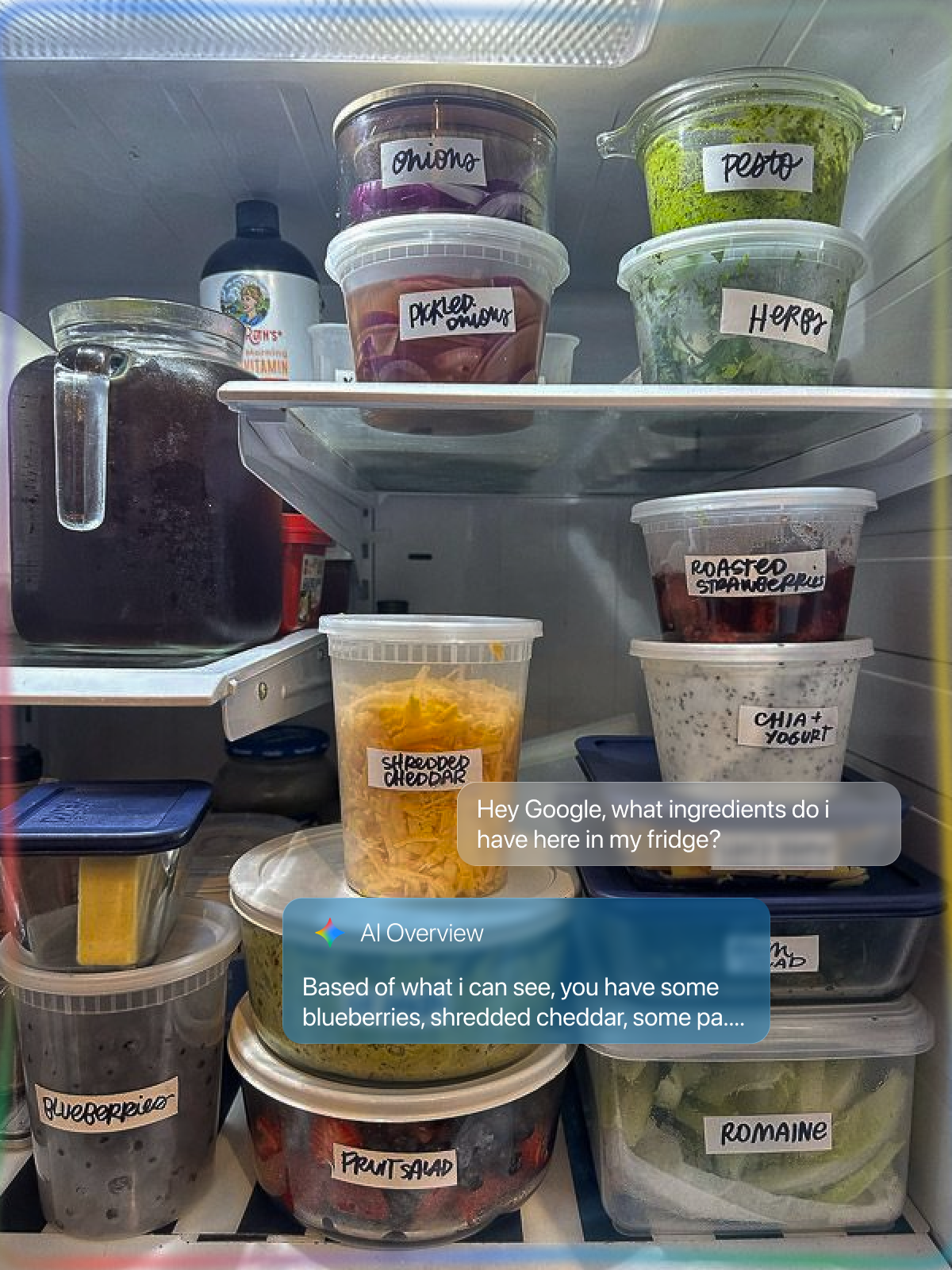
Using Google lens and Gemini, glasses can scans environment for relevant information.
In assistive technology, we aren't designing screens; we are designing states. The system must adapt its awareness based on the user's current environment and needs.
This project taught me that originality is bit overrated(a little tiney bit) in product design. What matters more is relevance. By narrowing the scope, I was able to increase the depth of the solution.
I also came across a 2018 NPR piece about Wegmans being the first supermarket to offer AI-assisted shopping for blind customers through an app called Aira. A blind shopper named Gary Wagner used it to navigate the sauce aisle with a live agent guiding him through his phone camera. It was a cool story, but it also showed a real limitation: the whole thing relied on a human operator being available. That stuck with me as a design problem worth solving.
And a 2025 study on AI smart glasses found that 61% of blind users were using the device for an hour or more every day, but navigation was still the weakest part of the experience. People were relying on these tools and the most important function was still letting them down.
Designing for accessibility isn't just a "feature", it's a mindset that forces you to consider real-world constraints, ethical implications, and the heavy responsibility of safety-critical systems.
Explore how I tackled AI collaboration in meetings with Gemini.